How to Change Default Language on Samsung Galaxy S26 Ultra
Change Default Language on Galaxy S26 Ultra

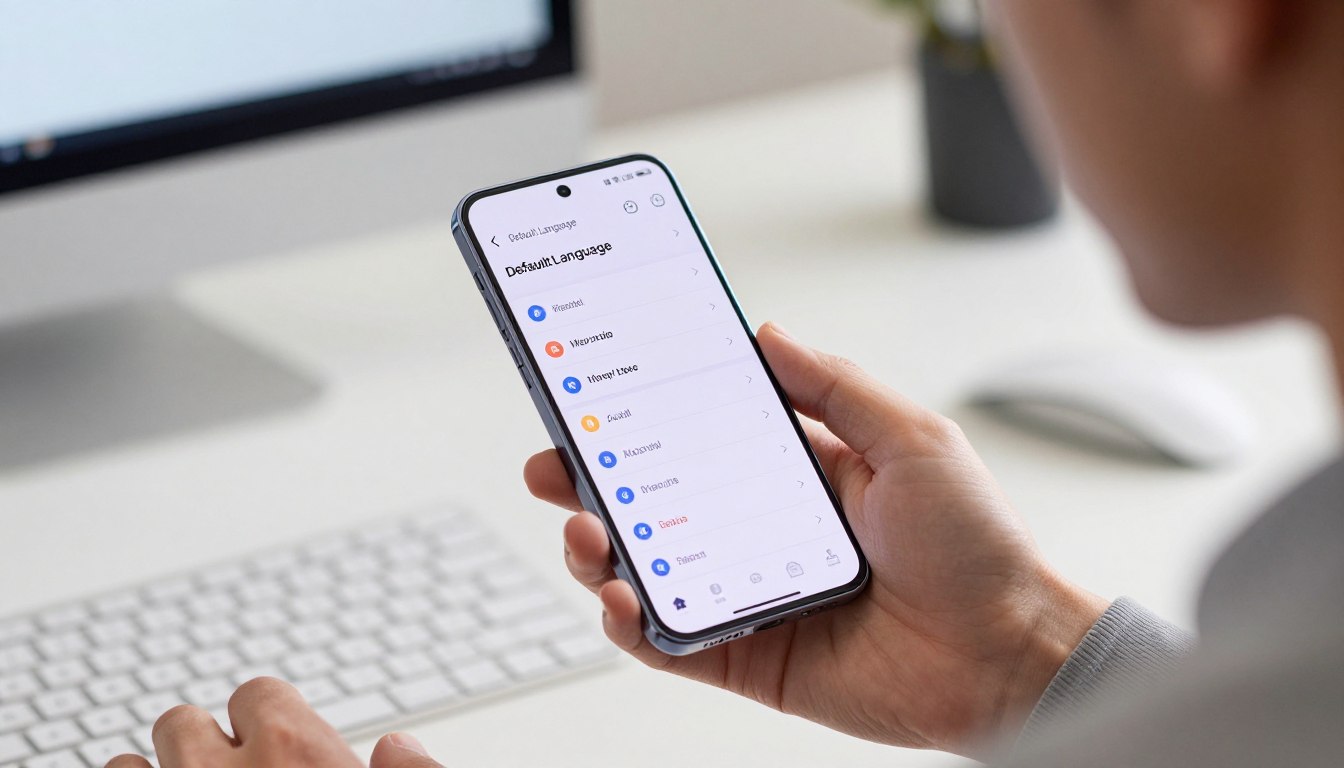
Setting up your new smartphone right makes your first moments smooth. Personalizing your device settings lets you navigate menus and alerts with ease. Knowing how to change the default language on your Galaxy S26 Ultra is key. This simple step makes sure your system shows text in your preferred language. Maybe you’re wondering how to change the language on your S26 Ultra to fit your needs. Our guide offers clear steps to change these settings … Read more

How to Clear App Cache on Samsung Galaxy S26 Ultra

clear app cache on galaxy s26 ultra

Is your Samsung Galaxy S26 Ultra running slower than usual? Clearing app cache is a simple yet effective solution that can resolve performance issues, fix app glitches, and free up valuable storage space without deleting your personal data. This guide walks you through the process step by step to clear app cache on your Samsung Galaxy S26 Ultra. Why Clear App Cache on Your Galaxy S26 Ultra Over time, apps accumulate temporary files known as … Read more

How to Use Privacy Display on Samsung Galaxy S26 Ultra

use privacy display on galaxy s26 ultra

The Privacy Display on Galaxy S26 Ultra is an industry-first hardware feature built directly into the phone’s screen. Unlike traditional privacy screen protectors, this technology uses Samsung’s Flex Magic Pixel OLED architecture to control how light emits from pixels, limiting side-angle viewing without sacrificing your own viewing experience. In this guide, you will learn how to set up and use Privacy Display on your Samsung Galaxy S26 Ultra. When activated, the screen appears clear and … Read more

How to Back Up Samsung Galaxy S26 Ultra to Google Drive

back up galaxy s26 ultra to google

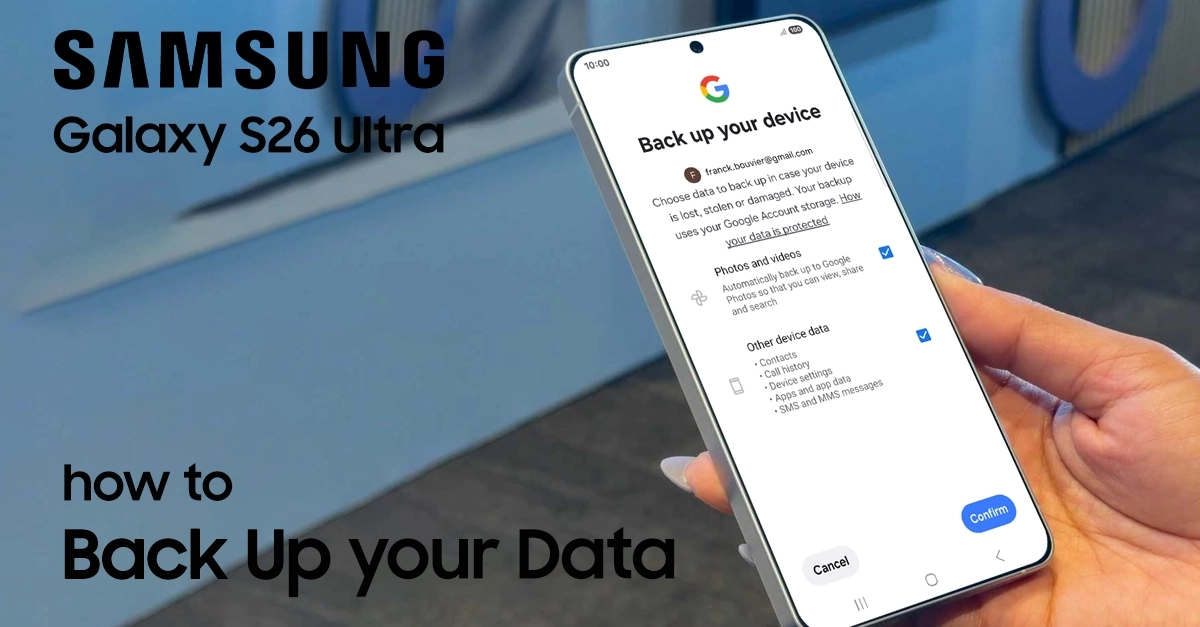
Backing up your data is one of the smartest things you can do with your phone. If you’re using the Samsung Galaxy S26 Ultra, you can easily back up your important files, contacts, settings, and more to Google Drive through your Google One backup system. This ensures your data is safe and can be restored anytime if you switch devices or reset your phone. Below is a complete step-by-step guide to help you back up … Read more