How to Enable Developer Mode on Samsung S26 Ultra (Step-by-Step Guide)
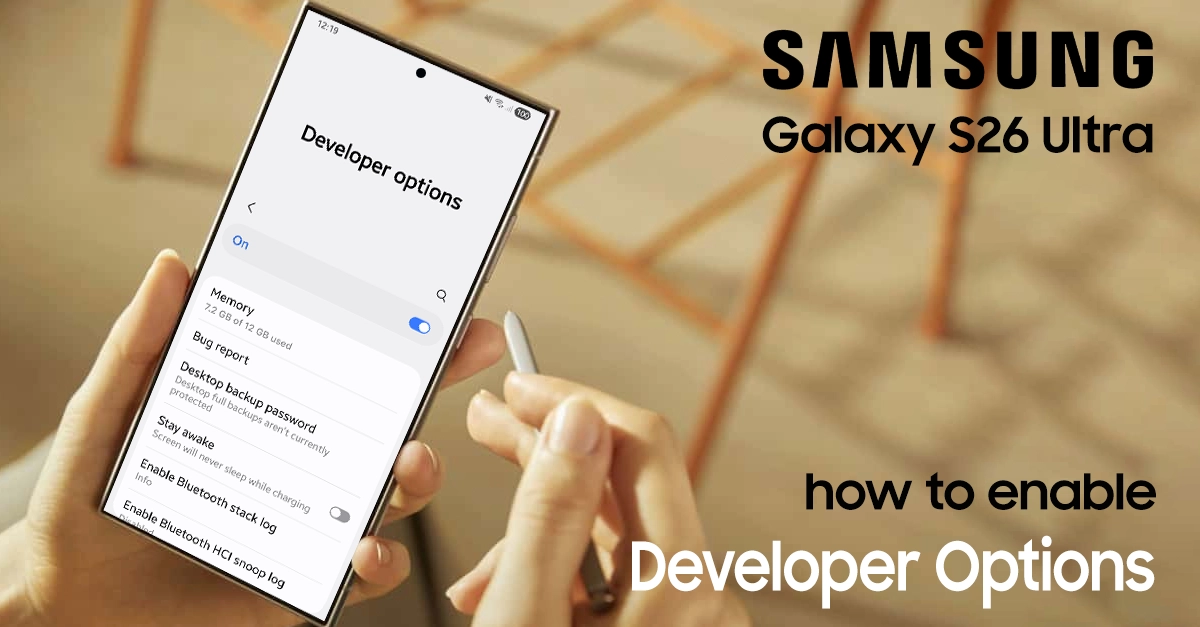
enable developer mode on samsung s26 ultra

Developer mode on the Samsung S26 Ultra unlocks advanced tools that are useful for testing apps, USB debugging, and other in-depth Android features. Developer mode (also called Developer Options) is that secret gateway Samsung hides by default, but it’s easier to unlock than you think. This guide walks you through every step to enable Developer mode on your Samsung S26 Ultra. What Developer Mode does Developer options provide additional settings such as debugging, animation scales, … Read more

How to Change Default USB Configuration on Samsung Galaxy S26 Ultra

change default usb configuration on samsung s26 ultra

Many Samsung Galaxy S26 Ultra owners get frustrated when the phone always defaults to charging only over USB. Changing the default USB configuration makes file transfers, tethering, or other tasks faster and more reliable every time you plug into a PC. This guide explains what the default USB configuration does and shows clear steps to change it on your Samsung S26 Ultra.​​ What default USB Configuration means​ The default USB configuration decides what your Galaxy … Read more